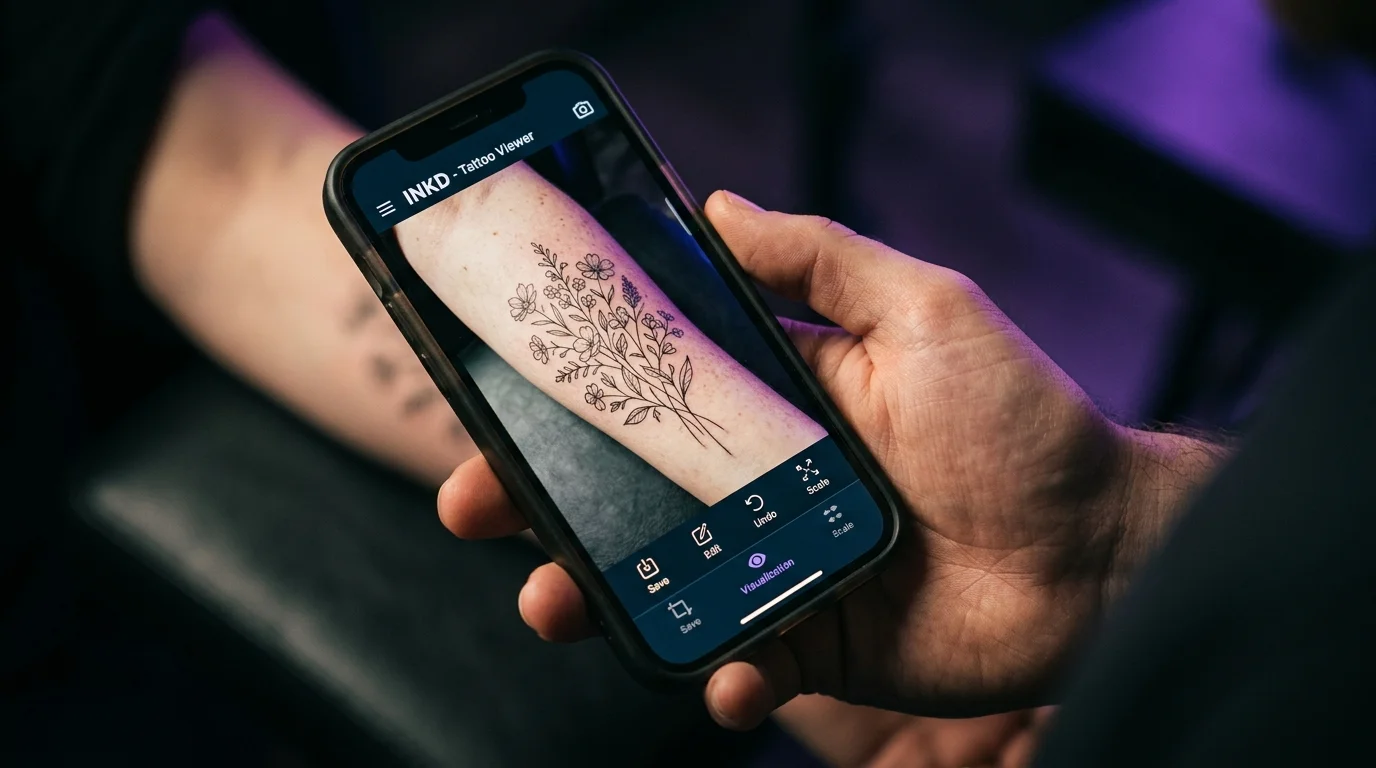
Here’s what actually happens when most people search “tattoo try-on app”: they download one, point it at their arm in the camera, see a translucent overlay that looks nothing like real ink, and close it. Then they download another one, find a generic rose in a library that doesn’t have anything close to what they actually want, and close that too.
The concept is clearly right. The execution varies wildly. If you want the broader picture of every method available — including low-tech approaches — the full guide to seeing a tattoo on your body before getting it covers the complete range.
The hidden cost isn’t money — most apps are free. It’s that the apps doing the most marketing aren’t the ones doing the most useful work. You can spend thirty minutes testing filters and come away knowing less than you did before, because novelty-grade AR doesn’t tell you anything about whether your actual design in an actual placement on your actual body is going to look the way you want.
The direct answer: AI-based tattoo try-on apps that render designs on photos of your own skin are genuinely useful decision-support tools. Real-time AR filters are not — they’re entertainment. The two categories look similar on an app store listing. They’re doing fundamentally different things.
What separates a real try-on from a novelty filter
Three things distinguish apps that produce decision-quality results:
Your skin, not a model. The most useful tools take a photo of you and render the design on your actual body. Your skin tone, your arm shape, your collarbone proportions — these are the variables that matter. Apps that show the design on a generic body model tell you almost nothing about how it’ll look on yours.
Your design, not a library. If you already have a reference image in mind — a design you found, a photo you want converted, a sketch from an artist — you need to be able to bring it in. Apps limited to pre-built catalogs only work if your idea already exists in that catalog, which it usually doesn’t.
Placement precision. A tattoo’s appearance is inseparable from exactly where it sits, how it’s scaled, and what angle it’s at relative to your muscle and bone structure. The ability to drag, resize, and rotate the design matters as much as the rendering quality.
If you want a closer look at how the underlying AI actually reads your skin tone, lighting, and contour to produce that result — and where it still falls short of reality — we break that down in our guide to what an AI tattoo preview actually shows you.
The filter tier: fast, fun, not for real decisions
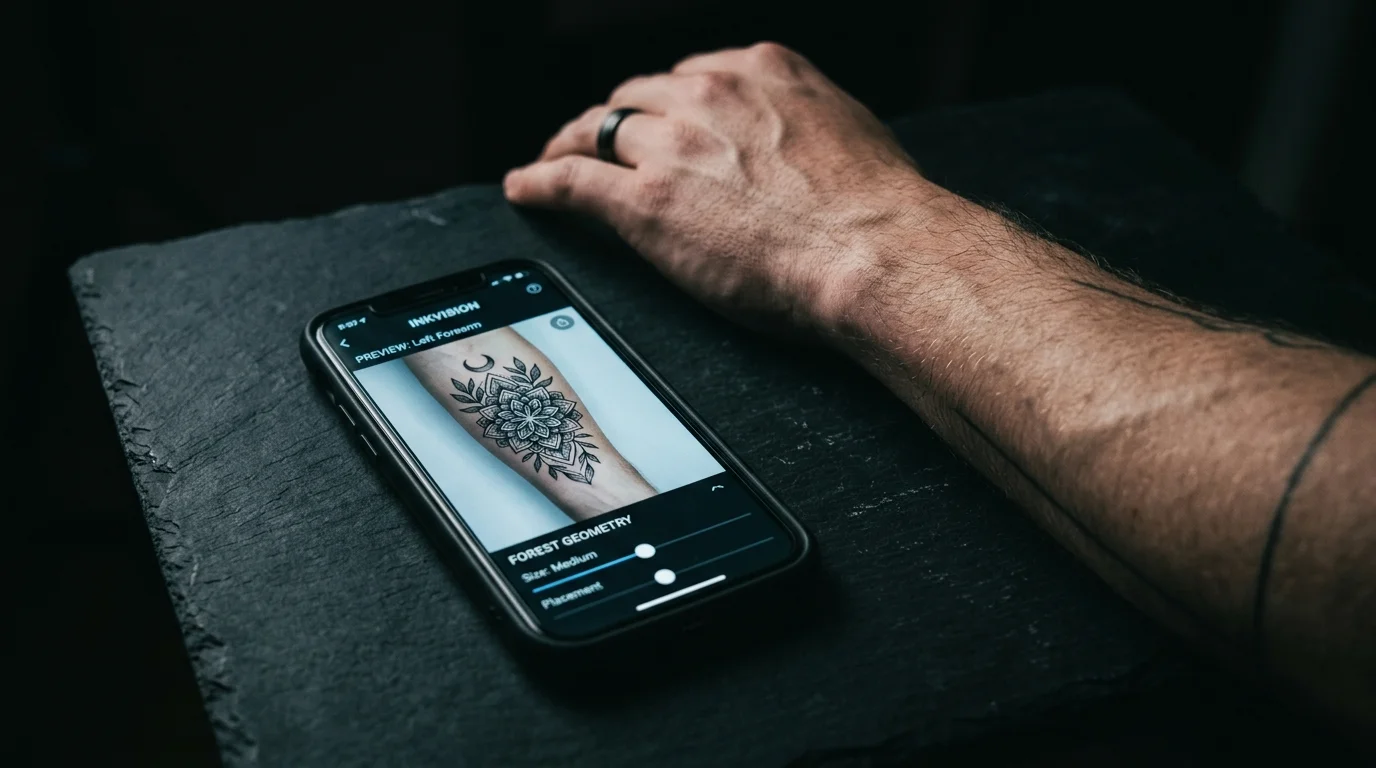
There are dozens of apps that work by overlaying pre-made designs on a live camera view in real-time. The design moves with your arm. It looks like a semitransparent sticker. They’re quick to use, usually free, and the output looks nothing like actual ink.
These apps have their use case: showing someone what general style you’re interested in, getting a laugh in a group chat, quickly communicating “I want something in this area” to an artist in a first consultation. For those moments, they work fine.
For “should I actually get this tattoo here” — they don’t work, because they weren’t designed for that question. The rendering doesn’t simulate how ink sits in skin, the designs are pre-selected rather than custom, and the real-time overlay can’t account for the lighting conditions, skin undertones, and three-dimensional body contours that determine whether a tattoo looks right.
TattThat — full review
TattThat is built specifically around the decision-making problem that filter apps ignore: you don’t know if you’re going to like it until you’ve seen it on your actual body.
What it does: You upload a photo of yourself at the placement you’re considering. You either select a design from the app’s library or — the key differentiator — upload any image and convert it into a tattoo-style rendering. A pet photo. A sketch. A reference image from Pinterest. The AI converts the image to tattoo style and places it on your skin with realistic shading.
From there, you can drag it to precisely where you want it, resize it to test different scales (the same design at 3 inches vs. 5 inches on a wrist reads completely differently), and rotate it to test orientation. The output looks like a real tattoo on real skin — not a filter overlay.
Who it’s for: Anyone with a specific design in mind who wants to test placement and scale before booking. It’s most useful when you’re choosing between options: inner wrist vs. collarbone, one size vs. another, horizontal vs. vertical orientation. These are exactly the questions a reference photo can’t answer because it’s someone else’s body. The tattoo placement guide is a useful companion once you know what you’re testing for.
The free tier: 2 previews, no card required. That’s usually enough to answer the core question.
Privacy: Photos are processed in-session and not stored. Your body, your design, your decision — it stays on your device.
Research on body image and permanent body modifications consistently emphasizes that satisfaction with permanent body decisions is highest when people feel certain before committing. TattThat is designed to produce that certainty — not through more deliberation, but through actual information.
Custom temporary tattoos: the physical approach
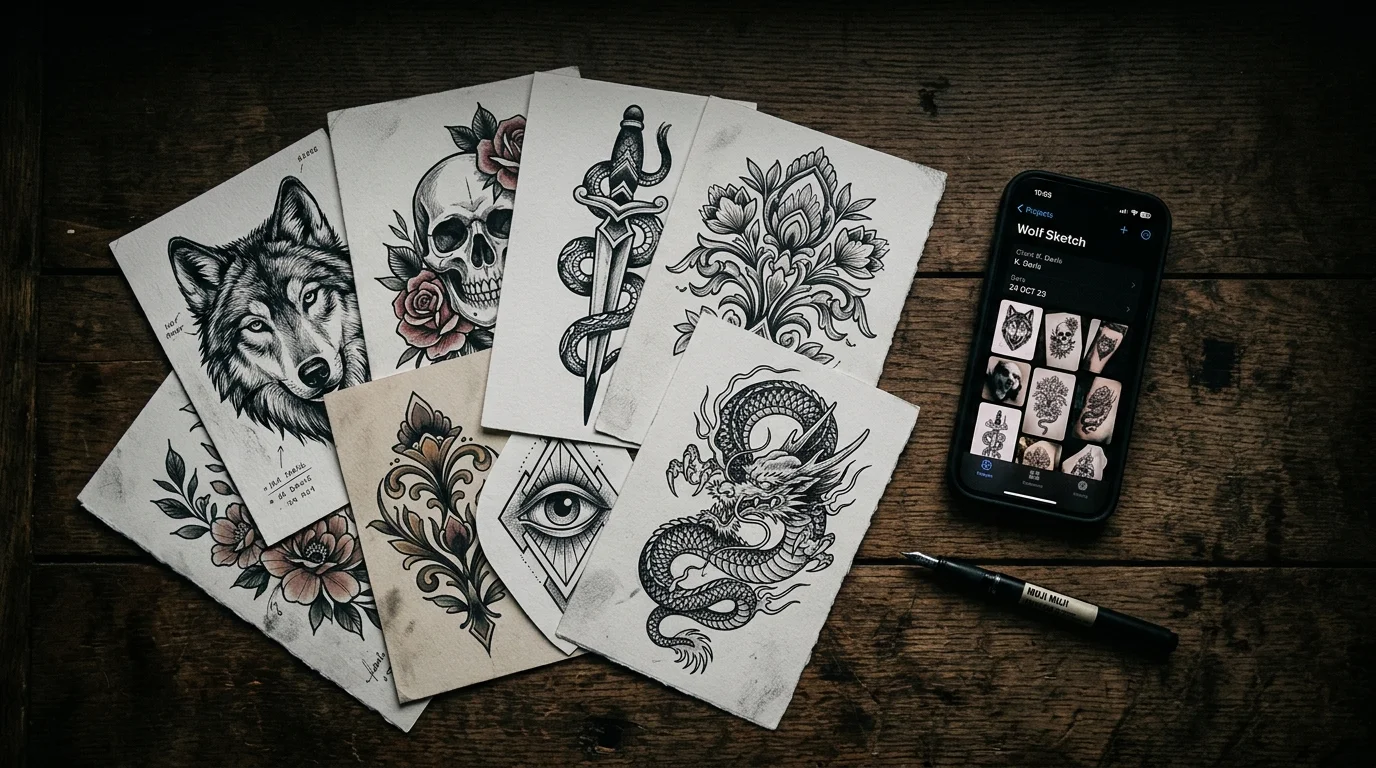
Services like Inkbox let you order a custom temporary tattoo — you submit your design, they print it, you apply it to your actual skin. It lasts one to two weeks.
This has obvious advantages: it’s completely realistic because it literally is on your skin, and you can live with it across different lighting conditions, outfits, and activities. As tattoo prevalence has grown — with around 24% of Americans now tattooed — the demand for “try before you buy” options at every tier has grown with it.
The tradeoffs are real. It costs money. It takes days to arrive. You can only test one design at a time. If you want to compare three placements or two size options, you’re looking at multiple orders and multiple weeks. And if your final design changes before booking (which happens), you’ve paid for something that’s now irrelevant. We go deeper on which of these two approaches actually answers the question you’re trying to answer in our temporary tattoo vs. AI preview breakdown.
Custom temp tattoos are the right tool for a specific use case: you’ve already decided on the design, you have a specific placement in mind, and you want to wear it for a week before the real appointment. That’s valuable. It’s just a different tool for a different question.
Which approach fits which decision
| Your situation | Best tool |
|---|---|
| Have a specific design, testing placement and scale | TattThat |
| Want to live with it for a week before booking | Custom temp tattoo |
| Showing a friend or artist your general idea | Filter app |
| Converting a custom image to tattoo style | TattThat |
| Comparing multiple designs side-by-side | TattThat |
| Need a physical test for a very visible placement | Custom temp tattoo |
The filter apps are free and fast. The physical option is thorough and slow. TattThat lands in the middle — fast, digital, and specific to the design-and-placement questions that determine whether you’ll be happy with the result. With tattoo satisfaction heavily influenced by how deliberate the decision process was, the tools that give you real information before the appointment matter more than most people expect.
See It on Your Skin Before You Commit
Upload a photo, pick a design, and see exactly how it'll look — in seconds. 2 free previews, no card required.
Try TattThat Free →