You’re lying in bed at 11pm, phone in one hand, reference photo pulled up in the other. You hold the screen up to your forearm and try to imagine the design sitting there — the scale, how it wraps around the curve, whether the detail reads at that size or goes muddy. Then you try it on your wrist. Then your ankle. The design doesn’t move. Your brain fills in the gaps with something optimistic.
You save the photo to your collection and fall asleep not quite sure.
Most people do this. Most people book their tattoo anyway, spend two weeks healing it, and then find out whether their imagination was accurate. The question worth asking is: why guess, when you can actually see it?
The direct answer: To see what a tattoo will look like on you before getting it, your four options are a printed design held against skin, a Sharpie placement test, a custom temporary tattoo, or an AI tattoo try-on app. The app approach is the only method that lets you test your exact design at your exact placement instantly — before you’re sitting in the chair.
Your Brain Can’t Accurately Simulate What a Tattoo Looks Like on Your Body
The mental-visualization problem is real, and it’s not about being indecisive. It’s structural. A reference photo is flat. Your arm isn’t. A design that looks crisp and balanced in a 2D image changes when it wraps around a forearm, sits on a hip, or stretches across a shoulder blade that’s not the same shape as the one in the photo.
Scale is the other variable your brain systematically misjudges. A design looks one size on a phone screen and a completely different size at 3 inches on your inner wrist. People consistently underestimate how much detail disappears at smaller scales, and overestimate how bold something will look on a part of the body they can’t easily see straight-on.
Research published in the Indian Journal of Dermatology found that placement dissatisfaction is one of the primary drivers of tattoo regret — people didn’t hate the design, they hated where it ended up. That distinction matters, because it’s entirely preventable. Placement regret isn’t about the artist getting it wrong. It’s about the person booking it not being able to fully see what they were committing to.
The problem isn’t that people don’t think about placement. It’s that thinking about it and seeing it are two very different things.
The Traditional Methods — What They Get Right (and Wrong)
People have been improvising on this problem for years. None of the old approaches are perfect, but they’re worth understanding — because the right method depends on what you’re actually trying to verify.
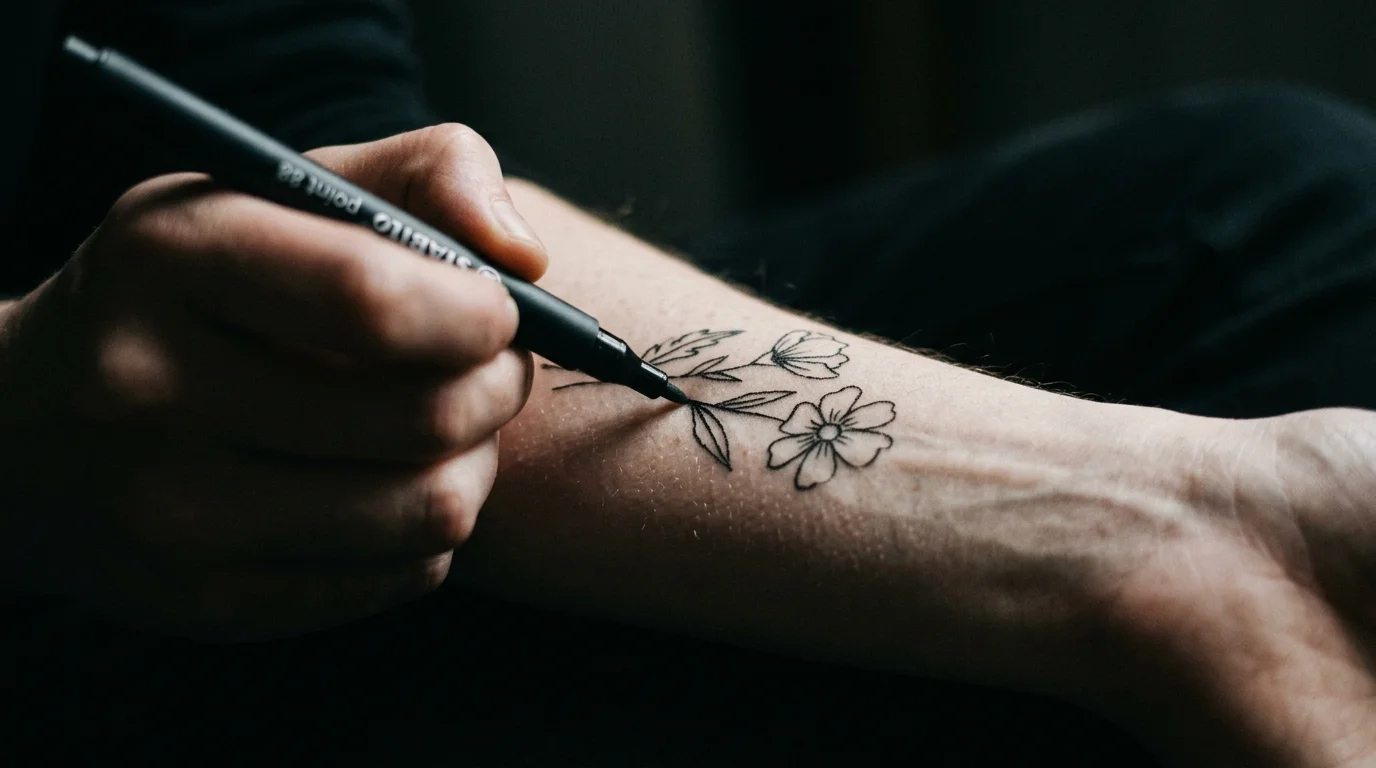
The Sharpie test. Draw a rough version of the design on your skin with a marker. This is still one of the best tools for testing placement — position, orientation, how it interacts with your body’s contours. What it doesn’t help with is the actual design. A Sharpie sketch tells you whether the forearm is the right spot. It doesn’t tell you whether that specific design looks right on your specific arm.
Printed reference + mirror. Cut out or print a reference image, hold it against your skin, and use a mirror to see the result. Better than holding your phone up. Still not your design at accurate scale on your specific body.
Custom temporary tattoos. Sites like Inkbox and custom temp tattoo printers let you upload any design and receive a water-applied temporary tattoo within a few days. This is the most realistic option short of real ink — you wear the actual design, at actual scale, in the actual placement, for three to five days. The color isn’t identical (temporary tattoos skew cooler and flatter than healed ink), but the placement experience is genuinely close. The trade-off is time and iteration cost: if you want to test three placements, you need three orders. We break down exactly where this method helps and where it falls short compared to a digital preview in our temporary tattoo vs. AI preview comparison.
The limitation all of these share: they’re slow, approximate, or both. The Sharpie test is fast but rough. The temporary tattoo is realistic but takes days to arrive and doesn’t let you compare designs quickly. None of them let you see your exact design, on a photo of your actual skin, in the time it takes to scroll Instagram.
AI Tattoo Preview: What It Shows You (and What It Doesn’t)
AI tattoo try-on apps work by compositing a design onto a photo of your skin using image generation. The output is a rendered preview — not a guaranteed simulation of what the finished tattoo will look like, but a realistic picture of where the design sits, how it reads at that scale, and how the style interacts with your skin tone.
What it answers well:
Placement. Does this design work better on the inner forearm or the outer? The wrist or the ankle? Testing multiple positions takes seconds rather than days.
Scale. Is a 3-inch design too small to read at this level of detail? Would 4 inches look overwhelming at this placement? The preview renders the design at the actual size you specify, so you’re not guessing from a phone screen.
Style on your skin tone. Fine line looks different on fair skin and on deeper skin tones — the contrast level changes the entire reading of the piece. Blackwork reads differently across skin tones too. Seeing the style on your actual skin is a different piece of information than seeing it on the reference photo.
What it doesn’t simulate: ink saturation depth, how shading will look fully healed, or the three-dimensional embedding that makes a well-executed tattoo look like it belongs to the skin rather than sitting on top of it. Those are functions of your artist’s technique and the healing process. The preview shows you the design decision — placement, scale, style — not the execution outcome.
That distinction is what makes it useful. YouGov data shows that 22% of tattooed Americans report some level of regret, and the most actionable regret category — placement — is exactly what a preview addresses. The things you can’t preview (artist skill, healing) are better addressed by choosing the right artist. The things you can preview are worth previewing — for a closer look at how the underlying technology actually reads your skin and where its limits are, see our guide to what an AI tattoo preview actually shows you.
What to Test Before You Book
If you’re going to use an AI preview — or any of these methods — here’s what’s actually worth verifying before you’re sitting in the chair.
Test the scale first. Most people go too small. A design that looks elegant at 4 inches can look timid at 2. Fine line work especially loses legibility below a certain size — the detail closes up when healed. If you have a size in mind, test one size up. See how it feels on your body before you commit to the smaller version.
Test at least two placements. Even if you’re 90% sure about the placement, test your second-choice spot too. Many people discover in the preview that what they thought was their second choice actually looked better — the composition, the way the design worked with that part of the body, the visibility when wearing typical clothing. This takes ten minutes. Changing the placement after the appointment takes years and a cover-up artist.
Test the orientation. Portrait or landscape? Horizontal or vertical? How it reads when you look down at it vs. how it reads to someone facing you? These are easy to test in a preview and hard to undo in real ink.
Check it on photos you actually have. The preview is only as useful as the photo you feed it. Use a clear, well-lit photo of the exact body part at the angle you’ll see it most. If you’re getting a forearm tattoo, test it on your actual forearm, not a stock-photo arm that’s a different skin tone and shape.
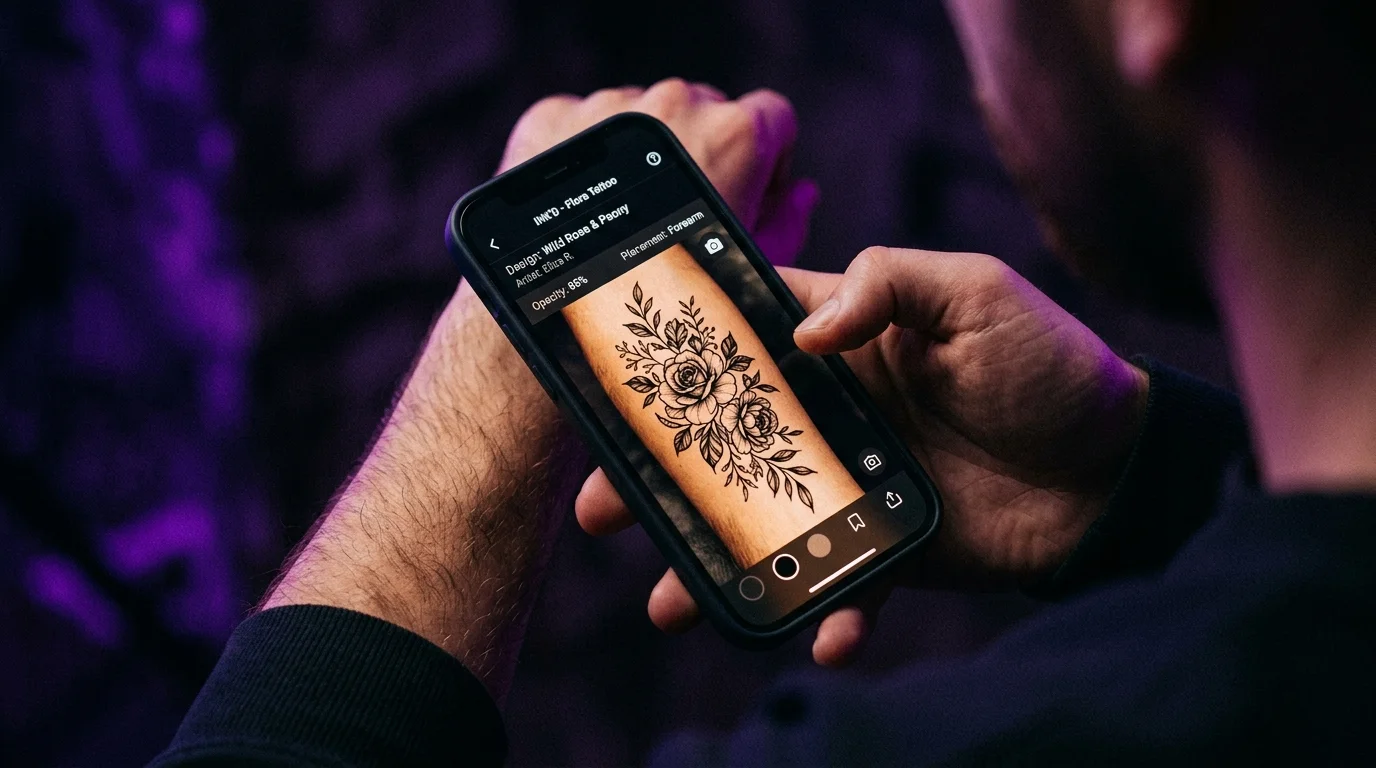
Before booking, this is the moment where TattThat closes the gap that imagination can’t. Upload your design — or convert a photo, a sketch, or any reference image into a tattoo-ready version — and place it on a photo of your actual skin. Drag it to your first-choice placement, check the scale, try the second option. Two free previews, no account required, no card asked for. What most people discover is that the design they were almost sure about either confirms or needs one small adjustment they hadn’t thought to check. Either way: you’re not finding that out after it’s healed.
Before You Walk In: The Real Value of Seeing It First
The tattoo appointment tends to feel final — you’ve made the decision, you’ve booked the session, you’re in the chair. But the decision about what to get and where to put it was made weeks or months before that moment, based on whatever visualization you could manage at the time.
The British Psychological Society notes that tattoo regret is often less about the tattoo itself and more about the gap between what someone expected and what they got. The design they imagined on a screen, and the tattoo that showed up on their body, weren’t the same thing — because no amount of mental modeling fully accounts for scale, placement, and how a style reads on your specific skin.
The better the preview, the smaller that gap. That’s the whole point.
The methods vary by time and accuracy. The Sharpie test is fast and rough. The temp tattoo is slow and close. The AI preview is instant and accurate where it matters most: placement, scale, and fit. Using all three before a significant piece isn’t overkill — it’s how people end up with tattoos they love years later. If you’re specifically evaluating which AI try-on apps are worth using and which are just novelty filters, the tattoo try-on app review breaks down the main options head-to-head.
The artist handles the execution. The decision of what and where is yours. Making it with the clearest possible picture — literally — is the one part of this process you have full control over.
See It on Your Skin Before You Commit
Upload a photo, pick a design, and see exactly how it'll look — in seconds. 2 free previews, no card required.
Try TattThat Free →