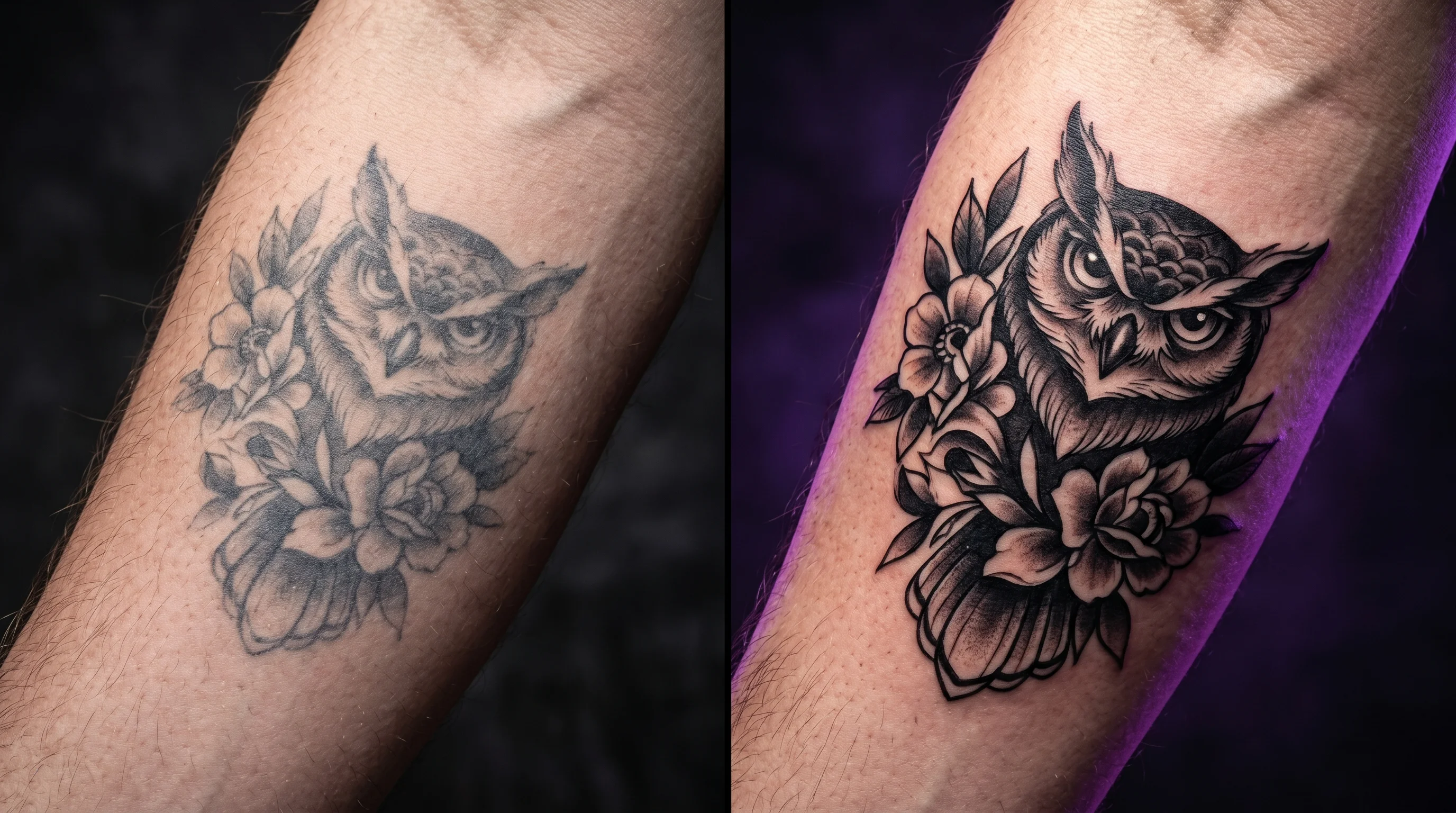
Somewhere in your research, someone told you to “just get a temporary version first” — see how it feels, see if you still like it in a week. It sounds like solid advice. It’s the kind of thing that gets repeated in every tattoo subreddit thread and every “before you commit” article, including, probably, ones we’ve half-suggested ourselves. But sit with it for a second: a temporary tattoo tests whether you like wearing something on your skin. It doesn’t test whether this specific design, at this size, in this exact spot is going to look the way you’re picturing it.
Those are two different questions, and conflating them is how people end up “testing” for weeks and still walking into their appointment unsure about the one thing that actually matters: will it look right on me.
Here’s the more useful way to think about it — a temporary tattoo tests how a design feels to live with. An AI preview tests how a design will actually look, rendered to your real proportions and skin. Knowing which question you’re actually trying to answer determines which tool is worth your time — and for most people standing at the edge of a permanent decision, it’s the second one that resolves the actual fear.
What a temporary tattoo can genuinely tell you
To be fair to the advice — temporary tattoos aren’t useless. Wearing a design for a few days surfaces things a still image can’t: whether it peeks out of your sleeve in a meeting, whether your partner keeps glancing at it, whether you find yourself covering it self-consciously or showing it off without thinking. That’s real, useful information about how a tattoo fits into your life, not just your skin.
Custom temporary tattoo services like Inkbox have gotten genuinely good at this — one reviewer described using a custom temporary design specifically to “solidify where I want to get my tattoo” before booking the real thing, which is exactly the instinct this article is examining. That’s a meaningful step up from the drugstore sheet-transfer version most of us grew up with. But even the best of them are working from a flat printed transfer, applied at whatever size and angle the template allows — which is rarely the exact size you’d choose for the permanent version. You’re testing a close approximation of the experience — useful for the “do I want to live with this” question, much less useful for the “does this look right at this size, here” question.
That gap matters because the decision underneath it is rarely just visual. Research on why people get tattoos finds that the most common regrets trace back to permanence-related concerns — sizing, artistry, and decisions made before someone had really seen the thing they were committing to. A few days of wearing a sticker addresses the living with it half of that equation. It does very little for the seeing it accurately half.
What an AI preview can tell you that a sticker physically can’t
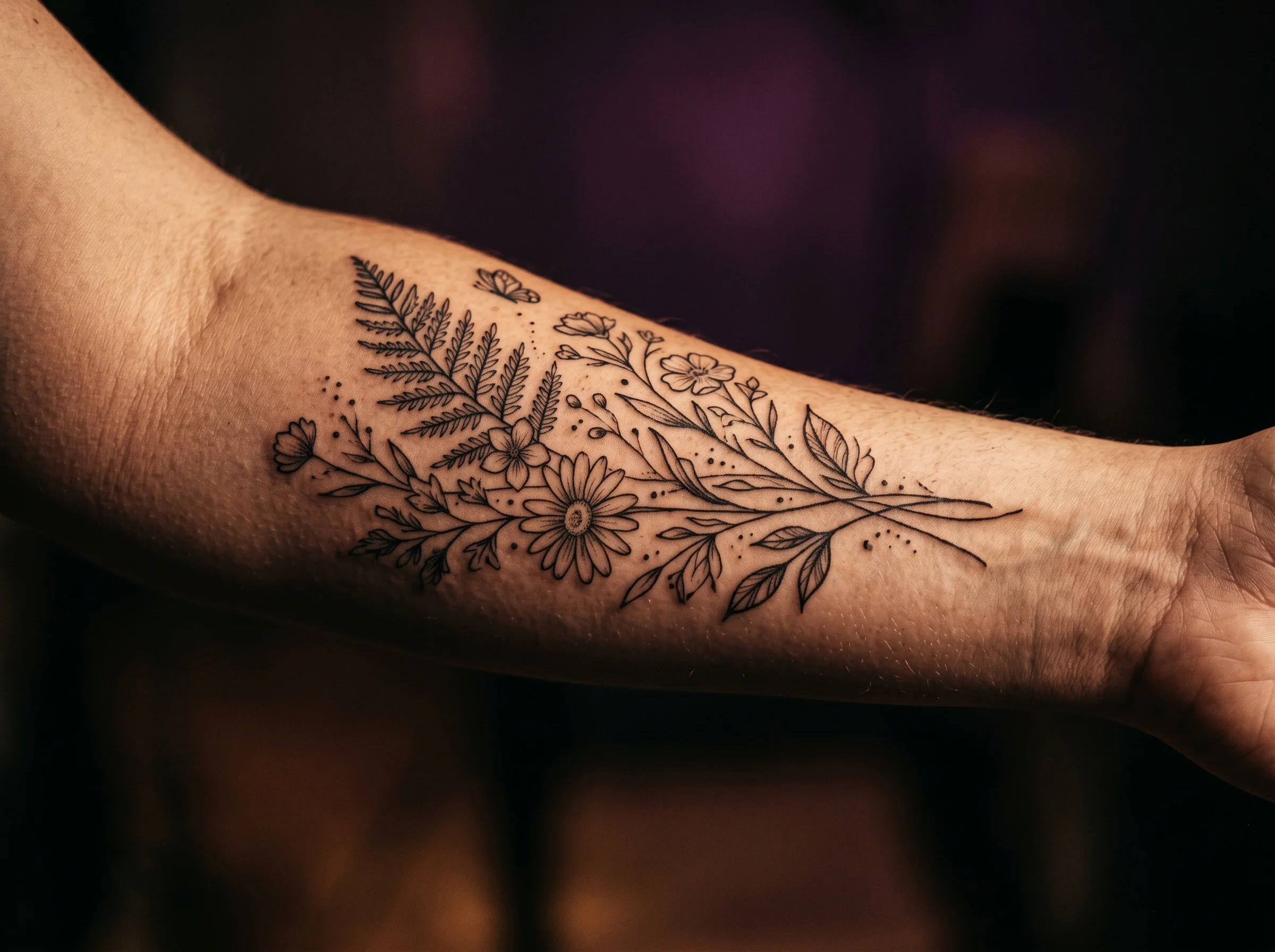
This is where the two tools stop being two versions of the same idea and start answering genuinely different questions. An AI preview takes your actual design — including a custom one converted from your own photo — and maps it onto a photo of your actual body, adjusting for your skin tone, your proportions, the curve of the muscle or joint underneath, and the direction of the light. You can test it at three different sizes in the time it takes to apply one temporary transfer. You can drop it on your forearm, then your shoulder, then your ankle, and compare all three side by side before you’ve touched your skin at all.
That distinction matters more than it might seem. 41% of people who regret a tattoo trace the regret back to placement — not the design itself, but where they put it and how it ended up sitting on their body. A flat sticker, applied at one size in one spot, can’t help you compare alternatives. A digital preview can run through a dozen variations in an afternoon, for free, with nothing on your skin at all.
It’s also worth noting that even temporary applications carry their own small risk — Cleveland Clinic’s overview of tattoo-related skin reactions notes that certain inks and adhesives used in temporary and henna-style tattoos can trigger allergic responses in some people, which is one more reason a digital test carries zero physical downside by comparison.
TattThat: the AI preview built specifically for this decision
TattThat is built around exactly the gap this article is describing. You upload a photo of your own skin — not a stock model’s arm, yours — and either pick a design or convert one from your own image, including a pet photo, a sketch, or a reference you found online. From there, you drag, resize, and rotate the design until it sits exactly where you’re imagining it, at the size you’re actually considering for the real thing.
It’s free to start: two previews, no card required, which is enough to test your top placement idea at two different sizes, or compare two placement options against the same design. There’s no waiting for shipping, no printed transfer to apply and peel off, and nothing temporary touching your skin at all — just a clear look at the thing you’re actually trying to decide on. If you want the fuller picture of how the underlying technology works and where its limits are, we cover that in our guide to what an AI tattoo preview actually shows you.
Use both — but know which question each one answers
The honest answer isn’t “pick one.” It’s: use the AI preview first to nail down the design, size, and placement — the decisions that are easy to get wrong and expensive to undo — and then, if you want the living with it experience too, wear a temporary version of your finalized choice for a few days before your appointment. That order matters. Testing “do I like wearing this” on a design or placement you haven’t actually confirmed yet is testing the wrong variable first.
If you’re still narrowing down where on your body this design belongs, our tattoo placement guide walks through how different spots affect everything from healing to how a design reads over time — and our guide to seeing a tattoo on your body before getting it goes deeper into the visualization step this whole comparison is really about.
See It on Your Skin Before You Commit
Upload a photo, pick a design, and see exactly how it'll look — in seconds. 2 free previews, no card required.
Try TattThat Free →