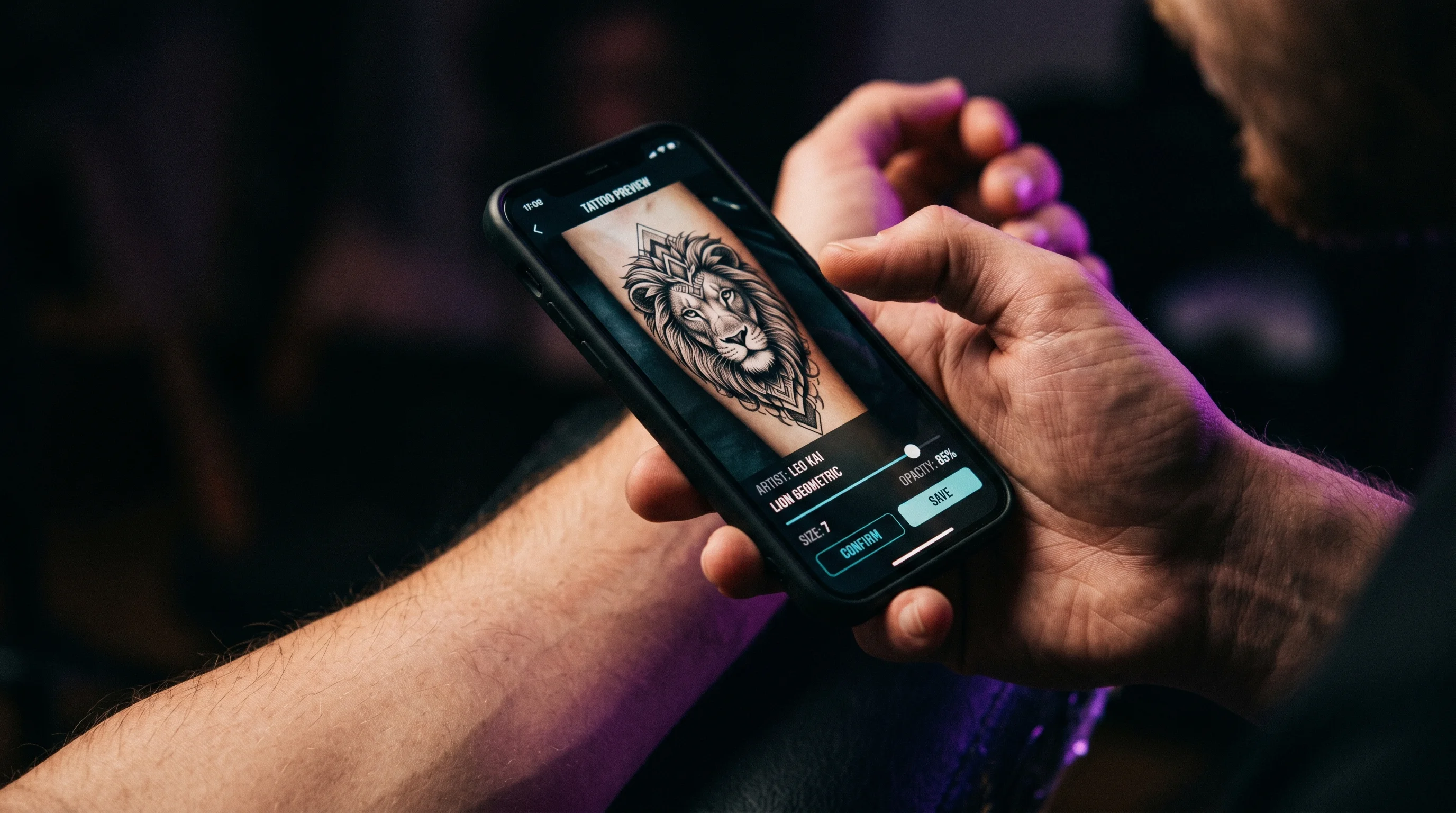
You’ve got the photo saved — the one you screenshotted from Pinterest at 1am, the design you’ve rotated through your camera roll for three weeks straight. You hold your phone up to your forearm, squint, try to imagine it there. It looks right. It looks wrong. It looks right again. You put the phone down and you’re no closer to knowing than you were an hour ago.
That gap — between imagining a tattoo on your body and seeing it there — is exactly what an AI tattoo preview closes. It takes a photo of your actual skin and overlays the design onto it, adjusting for your proportions, your skin tone, and the contour of the body part you’re considering, so you’re looking at something close to the real thing instead of a mental approximation that shifts every time you blink.
That’s the short answer. The longer one — what these tools actually get right, where they still fall short, and how to use one without fooling yourself — is worth walking through before you make a decision that’s permanent.
An AI tattoo preview maps the design to your body, not a stock model’s
The core function is simple: you upload a photo of yourself, you choose or upload a design, and the tool places that design onto your skin — adjusting for angle, lighting, and the curve of your body part — so you can see it roughly as it would look in real life. That’s a meaningfully different experience than scrolling reference photos of someone else’s arm and hoping your version translates.
This matters because so much of tattoo dissatisfaction traces back to a mismatch between what someone imagined and what they got. Among people who report regretting a tattoo, 41% point to placement as the issue — not the design itself, but where they put it and how it sits on their specific body. A preview tool addresses that mismatch at the only point where it’s still cheap to fix: before the needle touches skin.
It’s also worth being honest about what it isn’t. An AI preview won’t tell you how a tattoo will look in 15 years, how it’ll heal on your specific skin type, or how linework will hold up against sun exposure — those are questions for a dermatologist and an experienced artist, not an app. What it can do is answer the question that paralyzes most people at the planning stage: does this design, at this size, in this spot, actually look like me?
The technology works by reading your skin, not just placing a sticker on top
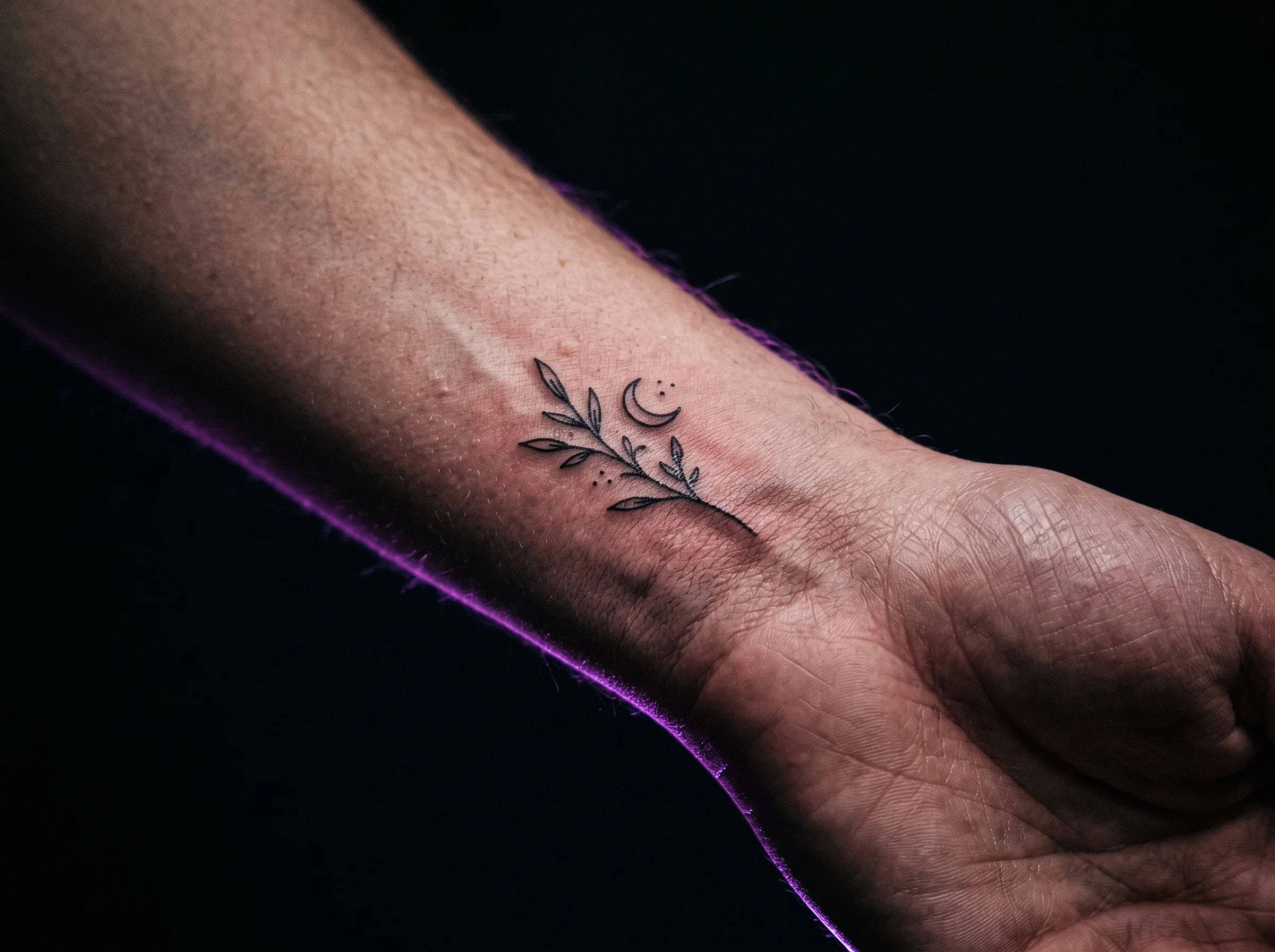
Older “tattoo try-on” tools were closer to digital stickers — flat designs dropped onto a photo with no awareness of how light hits skin or how a curve changes a shape. Modern AI previews are different. They analyze the photo you upload — your skin tone, the direction and intensity of the light, the contour of the muscle or joint underneath — and adjust the design to sit on top of that information rather than over it.
The result is a preview that looks less like a sticker and more like ink. Shadows fall correctly across the design. Color shifts subtly to match your undertone. A piece that wraps around a wrist actually follows the wrist instead of floating flat above it. None of this is about photorealism for its own sake — it’s about giving you enough visual truth to make a real judgment call, the same way a good fitting room mirror tells you more than holding a shirt up to your chest.
That technical leap is also what separates a genuine preview tool from a generic image filter. Browse enough artist portfolios on a platform like Tattoodo and the pattern becomes obvious — the same design reads completely differently depending on the body it lands on, because a piece that looks balanced on paper can look entirely different once it follows the curve of a shoulder or the taper of a forearm. A flat overlay can’t show you that shift before you commit. A skin-aware preview can.
It solves the problem dermatologists keep flagging: permanence without preview
Here’s the part that doesn’t get said enough: a tattoo is one of the only major personal decisions people make completely blind. You don’t test-drive it, you don’t try it on, you don’t get a return window. Mayo Clinic’s guidance on tattoos and piercings is direct about this: tattoos are meant to be permanent, removal is expensive and doesn’t always fully work, and the decision deserves the same weight as any other irreversible choice about your body.
That permanence is precisely why a preview step matters — not as a gimmick, but as the only “undo” you’ll get. Seeing the design at actual scale, in the actual spot, on your actual skin gives you the chance to catch a sizing mistake or a placement regret before it’s a permanent regret. It’s the difference between hoping you chose well and knowing you did.
The same logic shows up in how the American Academy of Dermatology frames aftercare — they treat the tattoo as a long-term commitment to a piece of skin, not a one-time event. If you’re going to be living with (and caring for) this design for decades, it’s worth spending five minutes confirming it actually looks the way you pictured it before you start that clock.
Use it to walk into your consultation already certain, not to replace it
The most useful way to think about a preview isn’t “should I get this tattoo” — it’s “is this the version of this tattoo I want.” Try the design at two or three sizes. Try it on the placement you’ve been considering, then try it on the one you’ve been avoiding because you weren’t sure. Rotate it. Step back from the screen the way you’d step back from a mirror. The goal isn’t a single perfect image — it’s narrowing down, fast and for free, the handful of decisions that usually take weeks of agonizing to settle.
Then bring that clarity to your consultation. An artist working from “I think I want it about this big, somewhere around here” spends half the appointment helping you figure out what you actually want. An artist working from “here’s the size and placement I’ve already tested and I’m confident in” can spend that same time refining the design itself — which is where their expertise actually adds value.
This is exactly the gap TattThat is built to close. Upload a photo of your skin, drop in the design — including a custom one converted from your own photo — and drag, resize, and rotate it until it sits exactly where you’d want the real thing. You get two free previews with no card required, which is enough to test both the size you’re sure about and the one you’re not. You can read more in our guide to seeing a tattoo on your body before getting it, and if you’re also weighing your design options, our guide to turning any photo into a tattoo design covers that step in detail.
If you’ve been wondering whether visualization tools are even worth the effort compared to traditional methods like temporary tattoos, that’s a fair question — and one worth its own breakdown, which we get into in our piece on whether tattoo try-on apps actually work.
See It on Your Skin Before You Commit
Upload a photo, pick a design, and see exactly how it'll look — in seconds. 2 free previews, no card required.
Try TattThat Free →